
Every modern business relies on software to keep teams connected and productive. Today, AI and SaaS collaboration tools are fundamentally transforming how we work. These platforms seamlessly combine cloud-based software with advanced artificial intelligence. They help teams communicate, share files, and manage complex projects much more efficiently. Why do these tools matter right now? Remote and hybrid work models are officially the standard. Teams are increasingly scattered across different global time zones. Manual, repetitive processes constantly slow down overall productivity. AI-enabled SaaS platforms solve these exact operational problems. They turn passive software into active, helpful partners. Imagine a team where repetitive administrative tasks simply vanish automatically. With collaborative AI tools, that exciting vision quickly becomes reality. These platforms analyze your daily workflows and instantly suggest smarter workflows in real time. They help product managers, digital marketers, and SMB owners scale their operations effortlessly. You no longer need to hire more people to do more work. Instead, you empower your current team with intelligent assistance. Let us explore how these platforms evolved.
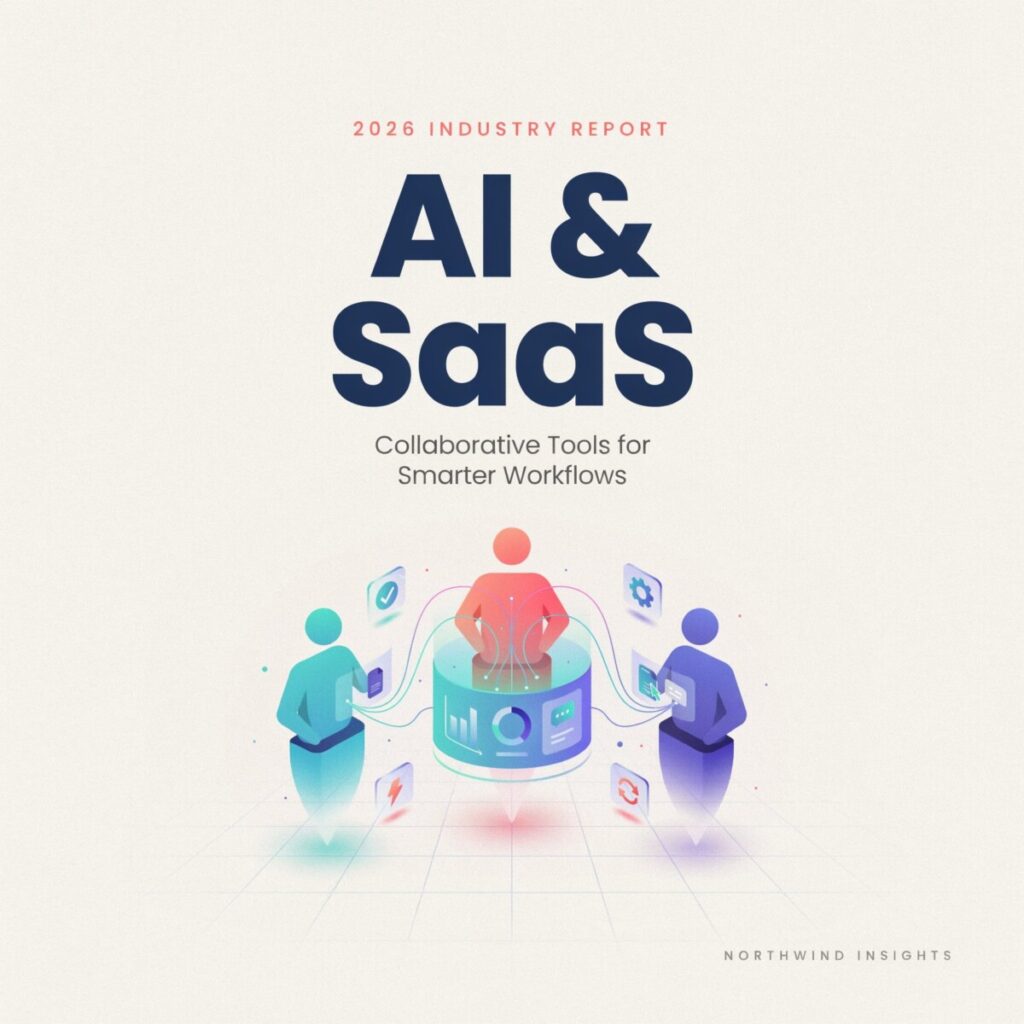
The evolution of collaboration tools
Collaboration tools have come a long way since the early days of business technology. Initially, teams relied heavily on basic email threads and clunky shared network drives. Finding a specific document was often a frustrating chore. Version control was a nightmare. Then came the first wave of real-time SaaS applications. Cloud-based shared drives and instant messaging apps changed everything. Teams could finally edit documents simultaneously.
Before the cloud era, software was installed locally on individual desktops. The shift to cloud computing democratized access. Suddenly, anyone with an internet connection could log in and work. This laid the crucial groundwork for the AI revolution. Without ubiquitous cloud access, real-time AI processing would be impossible. The cloud provides the massive computing power required to run complex machine learning models.
However, early SaaS apps still required heavy manual input. Users had to organize files and assign tasks. This is where artificial intelligence changed the game entirely. AI shifted collaboration from simple connectivity to true intelligent automation. Modern AI collaboration platforms actively understand the context of your work. Workflow automation now handles the busywork behind the scenes. Contextual summarization condenses long chat threads into quick bullet points. With intelligent automation, teams can now focus on creative problem-solving. We moved from static storage to dynamic, intelligent workspaces. Today’s tools anticipate your needs rather than just reacting to your clicks.
Core capabilities of AI-enabled SaaS collaboration tools
Modern platforms offer a wide array of powerful features. Let us break down the core capabilities that drive real value for growing teams.
Intelligent task automation and workflow management
Manual data entry drains team morale and wastes valuable hours. Intelligent automation steps in to handle these repetitive chores. For example, AI can automatically assign incoming support tickets to the right agent based on the text content. It can also trigger follow-up emails when a project milestone is reached. This ensures nothing falls through the cracks. Your team spends less time on admin and more time on strategy.
Contextual summarization and AI meeting assistants
We all suffer from meeting fatigue and endless chat notifications. Contextual summarization solves this by condensing long text threads into brief summaries. An AI meeting assistant takes this a step further. It joins your video calls, records the audio, and generates accurate transcripts. More importantly, it automatically extracts action items and assigns them to team members. You never have to scramble to write meeting notes again.
Real-time co-editing and predictive workload balancing
Collaborative documents are no longer just blank pages. Real-time co-editing now features smart suggestions for grammar, tone, and formatting. Beyond writing, managers benefit greatly from predictive workload balancing. The AI analyzes project deadlines and current team capacity. It then warns managers if a specific employee is at risk of burnout. It can even suggest redistributing tasks to underutilized team members. This creates a much healthier, more sustainable work environment for everyone involved.
Intelligent search and knowledge base automation
Finding old files used to require guessing the exact file name. Intelligent search uses natural language processing to find what you actually need. You can ask, “What was the Q3 marketing budget?” and get an instant answer. Furthermore, knowledge base automation continuously organizes your company wiki. It auto-tags new documents and links related articles together. This keeps your company knowledge perfectly organized without manual effort. New hires can onboard much faster by querying the AI directly.
Key use cases
How do these features translate to daily operations? Here are concrete use cases across different departments.
Content creation and SEO workflows
Marketing teams face immense pressure to produce high-quality content quickly. Content workflow optimization tools help writers brainstorm topics and outline articles. AI can analyze top-ranking pages and suggest semantic keywords. It can also draft meta descriptions and suggest internal links automatically. This drastically reduces the time from ideation to publication.
Product development and design collaboration
Designers and developers often struggle with messy handoffs. Collaborative AI tools bridge this gap beautifully. AI can scan a design file and automatically generate basic frontend code snippets. It can also flag accessibility issues, like poor color contrast, before development even begins. This keeps product launches on schedule and reduces frustrating revision cycles.
Sales enablement and CRM automation
Sales representatives hate logging call notes into a CRM. Workflow automation fixes this by listening to sales calls and updating the CRM automatically. The AI highlights key buying signals and suggests the best next steps. It can even draft personalized follow-up emails based on the prospect’s specific pain points. This helps reps close deals faster.
Customer support triage and routing
Support queues can easily become overwhelmed during peak seasons. AI for customer support instantly analyzes incoming ticket sentiment and urgency. It automatically routes complex technical issues to senior agents. Meanwhile, simple password resets are handled entirely by AI chatbots. This drastically improves response times and keeps customers happy.
HR onboarding and knowledge transfer
Onboarding new employees is traditionally a slow, paper-heavy process. AI platforms create personalized onboarding journeys for each new hire. The AI acts as a friendly coach, answering routine HR questions instantly. It also tracks the new hire’s progress through training modules. This ensures a smooth transition into their new role.
Remote team coordination
Keeping distributed teams aligned is incredibly challenging across different continents. AI tools analyze team communication patterns to identify hidden silos. They can prompt managers to schedule virtual coffee chats between isolated team members. They also translate messages in real-time, breaking down language barriers in global teams. This helps maintain a strong, connected company culture regardless of physical location.
Implementation checklist
Adopting new technology requires careful planning. Rushing the process leads to low adoption and wasted money. Follow this actionable checklist to ensure a smooth rollout.
- Audit workflows and data readiness: Before buying any software, map out your current processes. Identify the biggest bottlenecks. Ensure your existing data is clean and structured. Poor data quality will severely limit the AI’s effectiveness.
- Pick pilot teams and KPIs: Do not roll out the tool to the entire company at once. Select a small, tech-savvy pilot program group. Define clear success metrics, like time saved per week or error reduction rates.
- Plan your SaaS integrations: The new tool must talk to your existing stack. Plan your API integration strategy early. Ensure the platform supports modern security standards like single sign-on (SSO). Seamless SaaS integrations prevent data silos.
- Conduct privacy and compliance checks: AI tools process vast amounts of sensitive company data. Verify that the vendor complies with GDPR or SOC2 standards. Ensure they do not use your proprietary data to train their public models.
- Prioritize training and change management: Software is only as good as its users. Host interactive training sessions tailored to different roles. Appoint internal champions to help peers troubleshoot issues. Create a dedicated chat channel for users to share their favorite AI prompts.
- Measure the ROI of AI tools: Track your defined KPIs rigorously after launch. Calculate the actual ROI of AI tools by comparing time saved against the software subscription cost.
- Scale best practices: Once the pilot proves successful, document the winning workflows. Gradually roll the tool out to other departments using this proven playbook.
A practical starting point is to tackle just one major bottleneck first. Do not try to automate everything on day one.
Micro case study: BrightLane Marketing
Let us look at a realistic scenario to see these tools in action. Meet BrightLane Marketing, a mid-sized digital agency. They struggled with a slow, chaotic content production process. Writers spent hours searching for brand guidelines and past campaign data. Editors were bottlenecked by endless revision loops. Their baseline metric for publishing a standard blog post was fourteen days.
BrightLane adopted an AI-enabled SaaS platform designed for content workflow optimization. First, they implemented knowledge base automation. The AI ingested all past campaigns, brand voice documents, and SEO guidelines. Writers could now ask the AI questions and get an instant, accurate answer.
Next, they utilized an AI meeting assistant for editorial brainstorming sessions. The AI automatically transcribed the meetings and populated their project management board with assigned tasks. Finally, they used contextual summarization to track long revision threads. Editors could instantly see what changes were agreed upon without reading every single comment.
The quantifiable outcomes were impressive. Within three months, BrightLane reduced their average content production time from fourteen days to just six days. That is a massive fifty-seven percent improvement in speed. Furthermore, their SEO performance improved because writers had instant access to optimized keyword suggestions. The team reported much higher job satisfaction. They spent less time on administrative hunting and more time on creative strategy. This micro case study proves that targeted AI adoption drives real business results.
Risks and ethical considerations
While the benefits are clear, adopting AI is not without risks. Data privacy is the most pressing concern. You are feeding proprietary business data into third-party servers. Always review the vendor’s data retention and training policies. Ensure your sensitive information remains strictly confidential.
Bias in AI suggestions is another major issue. AI models are trained on historical data, which often contains human biases. This can lead to skewed hiring recommendations or biased marketing copy. Always keep a human in the loop to review critical AI outputs.
Over-reliance on automation can also stunt team skills. If AI writes every email, employees might lose their critical thinking and writing abilities. Use AI as an assistant, not a total replacement for human judgment.
Finally, beware of vendor lock-in. Some platforms make it incredibly difficult to export your data if you decide to leave. Always negotiate clear exit clauses and ensure your data remains portable. Prioritizing ethical AI in SaaS protects your company from legal and reputational damage.
Conclusion
The integration of artificial intelligence into cloud software is not just a passing trend. It is a fundamental shift in how modern businesses operate. By leveraging AI and SaaS collaboration tools, you can eliminate busywork, accelerate project timelines, and empower your team. The key is to start small, measure your results, and scale thoughtfully.
Ready to transform your team’s productivity? Here are three concrete actions you can take this week:
- Run a 30-day pilot on one team: Select a single department to test a new collaborative AI tool.
- Map your top 5 repeatable tasks: Identify the most tedious administrative chores and research tools that automate them.
- Request an ROI-focused demo: Contact a shortlisted vendor and demand a demonstration tailored specifically to your operational bottlenecks.