
Choosing the right workflow planning software is one of the most critical decisions a growing business can make. The right platform centralizes communication, eliminates bottlenecks, and turns chaotic to-do lists into streamlined, repeatable processes. The wrong one? It becomes an expensive, confusing digital graveyard where tasks go to die.
When evaluating the best project management software, two names consistently dominate the conversation: Monday.com and Asana. Both are powerhouse project management tools designed to help teams collaborate, track progress, and hit deadlines. Yet, they approach workflow management for teams from fundamentally different philosophies.
Monday.com positions itself as a highly visual, customizable “Work OS” capable of running almost any departmental process. Asana, on the other hand, is a deeply structured, task-centric platform built for rigorous project execution and team alignment.
So, which one is right for your team? This Monday.com vs Asana comparison breaks down their core features, workflows, automation capabilities, and pricing to help you make an informed, practical decision.
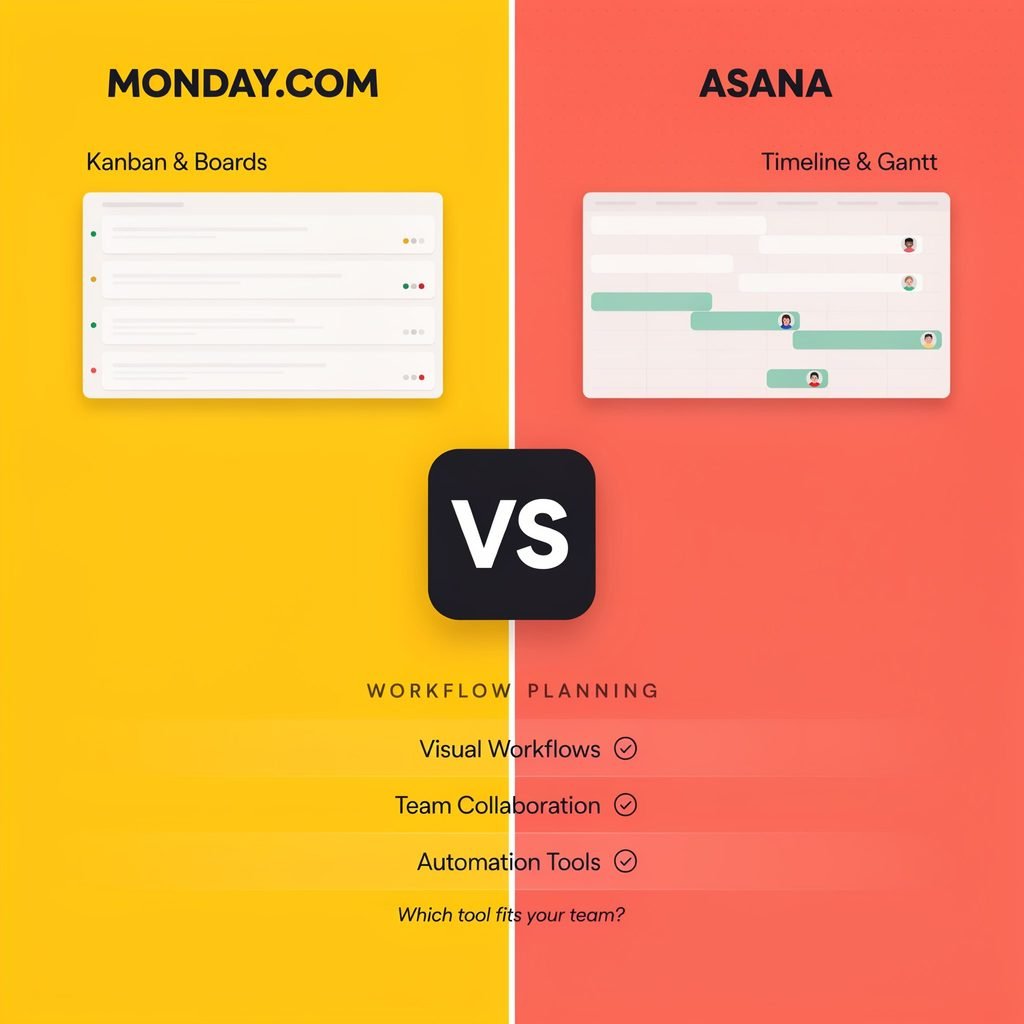
Monday.com vs Asana at a Glance
Before diving into the nuances of Monday.com features and Asana features, here is a high-level snapshot of how the two platforms stack up against each other.
| Feature | Monday.com | Asana |
|---|---|---|
| Best For | Cross-departmental operations, visual workflows, and custom databases. | Marketing, product, and agency teams focused on strict task execution. |
| Core Workflow Approach | Flexible, board-based “Work OS” with highly customizable item rows. | Structured task hierarchy with robust dependencies and project portfolios. |
| Ease of Use | Very easy to start; visually intuitive but can get messy without governance. | Intuitive for task management; slightly steeper learning curve for advanced features. |
| Automation | Excellent recipe-based automation builder; great for business process automation. | Strong rule-based automation; excellent for task routing and status updates. |
| Customization | Extremely high (custom fields, formulas, dashboard widgets). | Moderate to high (custom fields, templates, but more rigid core structure). |
| Project Views | Kanban boards, Gantt charts, Calendar, Map, Chart, Form, and Dashboard views. | List, Board (Kanban), Timeline (Gantt), Calendar, and Messages. |
| Collaboration | Visual updates, @mentions, file proofs, and inbox. | Rich task comments, team pages, inbox, and proofing (on higher tiers). |
| Reporting | Highly visual dashboards with cross-board widgets and high-level overviews. | Robust Portfolios, universal reporting, and advanced workload management. |
| Integrations | Massive native library and deep Zapier/Make connections. | Extensive native library, strong API, and deep enterprise integrations. |
| Pricing | Tiered per-user pricing; paid plans usually require minimum seat bundles. | Tiered per-user pricing; generous free tier for very small teams. |
| Ideal Team Size | Mid-sized to Enterprise (though scalable for small teams). | Small to Enterprise (highly favored by scaling agencies and product teams). |
What Is Monday.com?
Monday.com is best understood as a “Work OS.” Rather than just being a traditional task management software, it operates more like a flexible, visual database. Every board you create is essentially a spreadsheet on steroids, where every row (called a “pulse” or “item”) can be expanded into its own detailed card.
Because of this underlying architecture, Monday.com features are incredibly diverse. You can use it to manage a sales pipeline, track HR onboarding requests, plan a marketing campaign, or manage software development bugs—all within the same workspace. It relies heavily on color-coded status columns, drag-and-drop functionality, and highly visual dashboards.
Who benefits most? Monday.com is best suited for operations managers, cross-functional teams, and business owners who need a single platform to connect diverse departments (Sales, HR, Ops, Marketing) using customized, visual workflows.
What Is Asana?
Asana is a dedicated project and task management software built around the traditional hierarchy of work: Teams, Projects, Tasks, and Subtasks. It is designed to answer three fundamental questions: Who is doing what, and by when?
Asana features focus heavily on clarity, accountability, and structured project tracking. It excels at mapping out complex projects using deep subtasks, strict task dependencies, and critical path mapping. While it has evolved to include more flexible views, its core DNA remains rooted in organized, linear project execution.
Who benefits most? Asana is ideal for marketing teams, creative agencies, product managers, and project managers who need rigorous project timelines, clear task dependencies, and structured team collaboration tools.
Workflow Planning Approach: Monday.com vs Asana
The main difference between these two platforms lies in how they structure data.
Monday.com’s Approach:
Monday.com uses a flat, flexible board structure. You define your columns (Status, Date, People, Numbers, Formulas) and populate the rows. This makes it phenomenal for business process automation and tracking non-traditional “projects.” For example, an HR team can use a Monday board to track employee equipment requests just as easily as a marketing team tracks blog posts. It is a blank canvas that adapts to your specific operational needs.
Asana’s Approach:
Asana uses a strict, nested hierarchy. Work is organized into Portfolios, which contain Projects, which contain Tasks, which contain Subtasks. This structure is incredibly powerful for complex project planning. If you are managing a product launch with hundreds of interdependent steps, Asana’s workflow builder and dependency tracking ensure that a delay in one task automatically shifts the project timeline.
The Verdict on Planning: For simple, repeatable departmental workflows, Monday.com’s flexibility wins. For complex, multi-phase projects where task sequencing is critical, Asana’s structured approach is superior.
Task Management and Project Tracking
Daily task execution is where your team will spend 90% of their time. Both platforms offer excellent task management software capabilities, but they present the data differently.
Views and Visibility
Both tools offer essential Kanban boards, list views, and calendar views. However, their approach to Gantt charts and project timelines differs.
- Asana’s Timeline is a true Gantt chart experience. It allows you to draw dependency lines between tasks, making it easy to visualize the critical path and adjust schedules dynamically.
- Monday.com’s Gantt view is highly visual and great for high-level project tracking, but it can feel slightly less intuitive for managing hundreds of micro-dependencies compared to Asana.
Task Depth
Asana allows for deep nesting of subtasks and sub-subtasks, which is a lifesaver for agency teams managing granular deliverables. Monday.com limits sub-items to a single layer (though you can link to other boards), preferring to keep data flat and visible at a glance. If your team prefers checking off highly detailed, nested steps, Asana is the better fit.
Workflow Automation Capabilities
Modern workflow planning software must reduce manual busywork. Both platforms excel at workflow automation, but they cater to different logic styles.
Monday.com Automations
Monday.com uses a highly intuitive “recipe” builder. You select a trigger (e.g., “When Status changes to Done”), an optional condition, and an action (e.g., “Move to next group” or “Notify Project Manager”). It is incredibly easy for non-technical users to build complex business process automation, such as automatically generating a new client onboarding board when a sales deal is marked “Closed-Won.”
Asana Rules
Asana uses “Rules” which function similarly but are deeply integrated into its task hierarchy. You can automate task routing, reassignments, and status updates. Asana’s workflow builder also allows for cross-project automations and sophisticated approval workflows, which are vital for creative and marketing teams needing sign-offs before a campaign goes live.
Real-World Example:
- Content Production: Asana shines here due to its built-in proofing tools and approval automations.
- Sales Pipelines: Monday.com is vastly superior for moving leads through visual stages and triggering automated follow-up emails via integrations.
Collaboration and Team Communication
Effective team collaboration tools reduce the need for endless email chains and status meetings.
Asana centralizes communication within the context of the task. The “Inbox” feature acts as a dedicated project management email client, ensuring you only see updates relevant to your assigned work. Task comments support rich text, @mentions, and file attachments. Asana also features “Messages” for broader team announcements that don’t belong on a specific task.
Monday.com treats communication as an “Update” on the item pulse. It feels more like a social media feed attached to a database row. It is highly visual and great for quick status checks. Monday also offers a dedicated “WorkForms” feature, allowing you to capture external data (like client intake requests) that automatically populates your boards, streamlining cross-team visibility.
Customization and Flexibility
If you want a platform that bends to your exact operational quirks, Monday.com is the undisputed king of customization.
Because Monday is essentially a relational database, you can add custom fields for almost anything: formulas, ratings, location maps, or dependency trackers. You can build entirely custom dashboards that pull specific widgets from dozens of different boards to create a real-time command center for your executive team. Workflow templates are abundant, but you are just as likely to build your own from scratch.
Asana offers custom fields, forms, and templates, but it intentionally restricts how far you can deviate from its core task-and-project structure. This is a feature, not a bug; it prevents teams from creating chaotic, unmanageable workspaces. However, for operations managers who want to track inventory, IT tickets, and marketing campaigns in the exact same format, Asana can feel restrictive.
Reporting, Dashboards, and Resource Management
For managers, visibility into team workload management and project health is paramount.
Asana Portfolios and Workload
Asana offers a “Portfolios” feature that allows managers to track the status of multiple high-level initiatives in one view. Its “Workload” feature is exceptional for resource management. Managers can visualize exactly how many tasks or hours are assigned to each team member, allowing them to drag and drop tasks to prevent burnout and balance capacity planning.
Monday.com Dashboards
Monday.com’s reporting relies on its Dashboard feature. You can aggregate data from multiple boards into visual charts, battery widgets (for status breakdowns), and number metrics. While excellent for high-level KPI tracking and visual progress tracking, Monday’s native resource management requires a bit more manual setup (using specific “Workload” boards) compared to Asana’s out-of-the-box team capacity views.
Integrations and Ecosystem
Both platforms boast massive integration libraries, ensuring they play nicely with your existing tech stack.
- Communication: Both integrate seamlessly with Slack, Microsoft Teams, and Zoom.
- Storage & Creative: Both connect to Google Workspace, Dropbox, and Adobe Creative Cloud (Asana’s Adobe integration is particularly deep for creative agencies).
- CRM & Sales: Monday.com has native CRM capabilities and integrates deeply with Salesforce and HubSpot.
- Automation: Both connect to Zapier and Make, allowing for limitless workflow connectivity across the web.
Ease of Use and Learning Curve
Monday.com is famous for its colorful, engaging interface. Onboarding is incredibly fast; a new user can create a board, add columns, and invite their team in under five minutes. However, the “blank canvas” nature means that without strict administrative governance, workspaces can quickly become cluttered and inconsistent.
Asana has a slightly steeper initial learning curve because users must understand the difference between Teams, Projects, Tasks, and Subtasks. However, once the basic logic is understood, the interface is clean, minimalist, and highly focused. It naturally enforces good project management hygiene.
Monday.com Pricing vs Asana Pricing
When comparing Monday.com pricing and Asana pricing, the structures are similar (per-user, tiered monthly/annual billing), but the entry points differ.
- Free Plans: Asana offers a highly capable free plan for teams of up to 10-15 users, making it an incredible choice for freelancers and micro-businesses. Monday.com’s free plan is generally limited to two users, acting more as a trial for solo workers.
- Paid Tiers: Both platforms unlock advanced features like Timeline (Gantt) views, advanced integrations, and custom fields on their mid-tier plans.
- Seat Minimums: Historically, Monday.com requires customers to purchase seats in bundled increments (e.g., 3, 5, 10, 15 seats) on their paid plans. If you have 6 users, you may have to pay for 10 seats. Asana generally allows exact per-user billing, which can make it more cost-effective for teams with odd numbers or tight budgets.
Note: Pricing structures update frequently. Always check the official websites for the most current Monday.com pricing and Asana pricing tiers before purchasing.
Pros and Cons
Monday.com Pros and Cons
Pros:
- Unmatched visual customization and flexible database structure.
- Highly intuitive, colorful interface that encourages user adoption.
- Excellent recipe-based workflow automation builder.
- Powerful dashboard widgets for cross-departmental KPI tracking.
- Built-in CRM and dev-specific products (Monday Sales, Monday Dev).
- Great for managing non-traditional workflows (HR, IT, Operations).
Cons:
- Pricing seat minimums can be frustrating for growing teams.
- Sub-item limitations (only one level deep) can frustrate complex project managers.
- Workspaces can become visually chaotic without strict admin governance.
- Gantt chart dependency management is less robust than Asana’s.
Asana Pros and Cons
Pros:
- Exceptional task hierarchy and deep subtask nesting.
- Industry-leading Timeline view with dynamic dependency mapping.
- Outstanding Workload management and capacity planning features.
- Clean, minimalist interface that enforces project management best practices.
- Generous free tier for small teams and freelancers.
- Excellent built-in proofing and approval workflows for creatives.
Cons:
- Can feel rigid for teams wanting to build custom, non-project databases.
- Fewer native “view” types compared to Monday (e.g., no native Map or Chart views for data).
- Premium features (like Portfolios and advanced reporting) are locked behind expensive higher tiers.
- Less flexible for cross-departmental operations outside of standard project work.
Best Use Cases: When to Choose Monday.com
Monday.com is the better choice if your organization needs a flexible Work OS to manage diverse operations. Choose Monday if:
- You need highly customized workflows: You want to build an IT ticketing system, an HR onboarding tracker, and a marketing calendar that all look and function exactly how you want them to.
- You manage cross-functional operations: You need a single platform to connect Sales, Marketing, Operations, and HR with visual dashboards.
- You value visual data: Your team responds better to color-coded status columns, progress batteries, and highly visual Kanban boards.
- You need business process automation: You want to easily automate data movement and notifications without writing code.
Best Use Cases: When to Choose Asana
Asana is the better choice if your primary goal is rigorous project execution and team alignment. Choose Asana if:
- You are task-focused: Your team lives and dies by daily task execution, subtasks, and clear individual accountability.
- You run an agency or marketing team: You need built-in creative proofing, strict approval workflows, and client guest access.
- You rely on project timelines: Your projects have hundreds of interdependent tasks where a delay in phase one must automatically shift the final deadline.
- You need resource management: Managers need out-of-the-box visibility into team workload management to prevent employee burnout.
- You want structured collaboration: You prefer a platform that enforces standard project management methodologies naturally.
Monday.com vs Asana: Which Is Better for Workflow Planning?
The verdict in the Monday.com vs Asana debate ultimately comes down to your team’s operational DNA.
Choose Monday.com if you view your business as a series of interconnected processes and databases. It is the superior workflow planning software for operations managers, scaling small businesses, and cross-departmental teams who need a highly customizable, visual Work OS that can adapt to any workflow, from sales pipelines to event planning.
Choose Asana if you view your business through the lens of projects, campaigns, and deliverables. It remains the gold standard for project tracking, offering unparalleled task dependency management, timeline planning, and workload balancing. It is the best project management software for marketing teams, product developers, and agencies executing complex, multi-phase campaigns.
Quick Decision Checklist:
- Need deep task dependencies and Gantt charts? Asana.
- Need to track inventory, IT requests, and sales leads in one place? Monday.com.
- Need strict resource and capacity planning? Asana.
- Need a highly visual, customizable database? Monday.com.
- Need a generous free plan for a 10-person startup? Asana.
FAQs
1. Is Monday.com better than Asana?
Neither is objectively “better”; they serve different needs. Monday.com is better for highly customizable, cross-departmental operations and visual workflow management. Asana is better for rigorous, task-heavy project execution, timeline management, and structured team collaboration.
2. Which is easier to use, Monday.com or Asana?
Monday.com is generally considered easier to start with due to its colorful, spreadsheet-like interface and drag-and-drop simplicity. However, Asana is easier to maintain long-term because its structured hierarchy prevents workspaces from becoming cluttered and disorganized.
3. Does Monday.com or Asana have better automation?
Both are excellent, but they cater to different styles. Monday.com’s automation builder is highly visual and intuitive, making it fantastic for general business process automation and moving items between groups. Asana’s rules engine is deeply integrated into task management, making it superior for automated task routing, approvals, and status-based assignments.
4. Which platform is better for small teams?
Asana is generally better for very small teams and freelancers because its free plan supports up to 10-15 users with robust features. Monday.com’s free plan is limited to two users, meaning small teams will likely have to upgrade to a paid tier sooner.
5. Can Monday.com and Asana replace spreadsheets?
Yes. In fact, replacing static spreadsheets is the primary use case for both tools. Monday.com feels very similar to a modernized, automated spreadsheet, making the transition seamless for Excel users. Asana replaces spreadsheets by converting rows into actionable, assignable tasks with built-in communication.
6. Do Monday.com and Asana offer free plans?
Yes. Asana offers a “Personal” plan that is free for up to 10-15 teammates, which includes unlimited tasks, projects, and basic views. Monday.com offers an “Individual” plan that is free for up to 2 users, which is better suited for solo freelancers testing the platform.
7. Which tool is better for agencies?
Asana is widely considered the industry standard for creative and marketing agencies. Its robust guest access (for clients), built-in proofing tools for creative assets, and strict timeline management make it ideal for managing multiple client campaigns simultaneously.
8. Which platform is better for enterprise workflow planning?
Both offer robust Enterprise tiers with advanced security, SSO, and dedicated support. However, large enterprises often lean toward Monday.com for its “Work OS” capabilities, allowing different global departments to build custom apps and workflows on top of a single, secure data architecture without needing external developers.